
Power County Court Docket Basics
A docket is the court's running list of case activity. In Power County, a docket may identify a filing, hearing, continuance, order, setting, disposition, or payment-related event. It helps a person confirm whether a matter is pending, whether a hearing has been set, and which case number should be used when contacting the Clerk of the District Court, Ex-Officio Auditor and Recorder.
Power County uses Idaho's unified court structure. The county site separates District Court resources from Magistrate Court resources, but both are part of the state trial-court system. Magistrate Court is central for docket routing because it handles traffic fines and traffic court, citations, small claims, probate, juvenile matters, misdemeanors, and many first appearances. District Court is the main trial-court venue for district-level civil and felony matters after the proper stage is reached.
Dockets are narrower than case files. A docket may tell a user that a motion was filed or a hearing occurred, but the actual motion, order, or audio may require a court records request. The distinction matters in Power County because public iCourt results may show general case information while full records are obtained through a courthouse kiosk or the clerk.
Search Power County Court Dockets Online
The statewide Idaho iCourt Search Hearings tool is the main online access point for Power County hearing dockets. The broader iCourt portal also includes Smart Search for case lookup and Make Payments for eligible balances. Search Hearings is the better starting point when the question is when a court event is set, not whether the full case file can be copied.
- Select the location field and choose Power County or the all-county option when a statewide search is needed.
- Select a hearing type such as Power - Civil, Power - Criminal, Power - Family, or Power - Probate or Mental Health.
- Choose a search type, such as case number, party name, business name, attorney name, attorney bar number, judicial officer, or courtroom.
- Enter the criteria and use Sounds Like only when a name spelling is uncertain.
- Use the hearing result to confirm the case number, court category, and next clerk contact step.
The direct Search Hearings portal is cited as the hearing source. Idaho Court Data gives useful context for statewide court activity that surrounds docket interpretation.
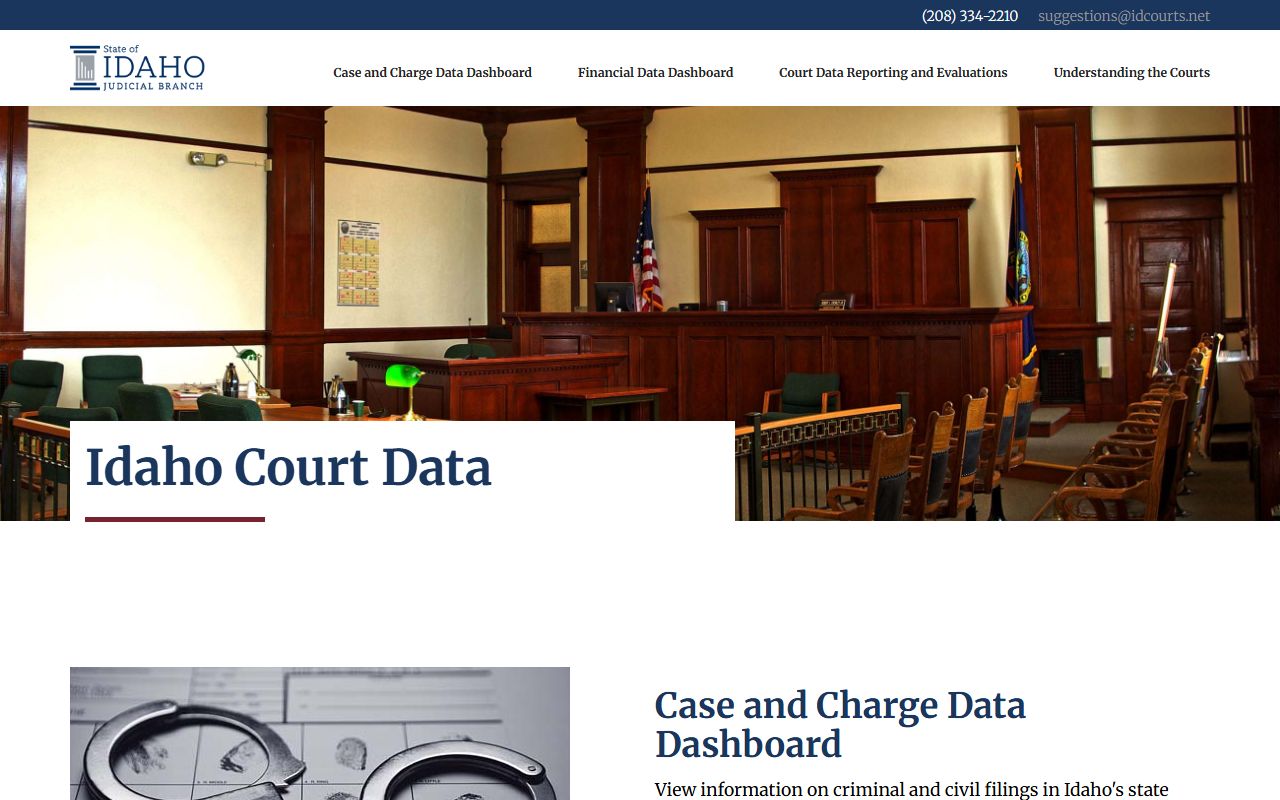
Court Data is not a substitute for a Power County hearing lookup, but it helps show that Idaho separates public dashboards from the case-specific iCourt hearing search.
Power County Hearing Search Fields
The iCourt hearing form is structured around location, hearing category, and search type. Power County appears as a location option, and the hearing-type list includes Power-specific civil, criminal, family, probate, and mental-health groupings. These fields are more precise than a broad name search because they let a user search by attorney, bar number, judicial officer, or courtroom when those facts are known.
| Field Label | Type | Required | Options / Format Notes |
|---|---|---|---|
| Select Location | Dropdown | Yes | Includes Idaho counties and all counties; use Power County when possible. |
| Select Hearing Types | Dropdown | Yes | Power - All Hearing Types, Civil, Criminal, Family, Probate or Mental Health. |
| Select Search Types | Dropdown | Yes | Case number, party name, business name, attorney name, attorney bar number, judicial officer, or courtroom. |
| Search by Criteria | Text | Yes | Changes based on the chosen search type. |
| Last Name | Text | Conditional | Used for person searches. |
| First Name | Text | Conditional | Used with last name to narrow person searches. |
| Middle Name | Text | No | Optional person-search field. |
| Judicial Officer | Dropdown | Conditional | Statewide list includes district, magistrate, and specialty court labels. |
| Sounds Like | Toggle | No | Helpful when a party name may have variant spelling. |
Power County Docket Entry Fields
A docket entry should be read as a timeline item. The entry may be a hearing setting, a filed document, a continuance, an order, or a disposition event. Power County research did not include a clicked live sample hearing, so the field inventory below is drawn from the portal, payment guide, court records request form, and the general case-field evidence in the research file.
| Field | What It Shows |
|---|---|
| Case Number | The identifier needed for iCourt lookup, payment review, and clerk requests. |
| Case Name | The caption or party names tied to the matter. |
| Case Type | Criminal, civil, family, probate, mental health, traffic, or protection-order category. |
| Hearing Date | The date of a scheduled or past court proceeding. |
| Hearing Type | The kind of setting, such as criminal, civil, family, probate, or mental health. |
| Judicial Officer | The listed officer when the hearing search or case record provides it. |
| Courtroom | The courtroom filter or hearing location when available in the hearing search. |
| Status | Whether the case or event is pending, closed, continued, disposed, or restricted from public view. |
| Balance | Payment-related amount when the case is eligible for iCourt payment review. |
Power County Courts With Dockets
Power County does not have a separate county court, justice court, or municipal court structure for these records. Its trial court records are part of Idaho District Court and the Magistrate Division. That structure changes how users should think about dockets: a traffic citation, misdemeanor, probate matter, and small claim may all route through the Magistrate Court page, while felony and district-level civil records may involve District Court handling.
- Power County District Court handles district-level trial matters, including felony and civil proceedings when they reach that level.
- Power County Magistrate Court handles traffic, citations, misdemeanors, probate, juvenile, small claims, and initial criminal proceedings.
- The Clerk of the District Court is the local records office for document, certified copy, and audio requests.
- The Court Assistance Office listing supports form access for common civil, family, small-claims, protection-order, and set-aside matters.
The Idaho Court Assistance Office self-help portal is relevant because docket users often need forms after locating a hearing or case number.
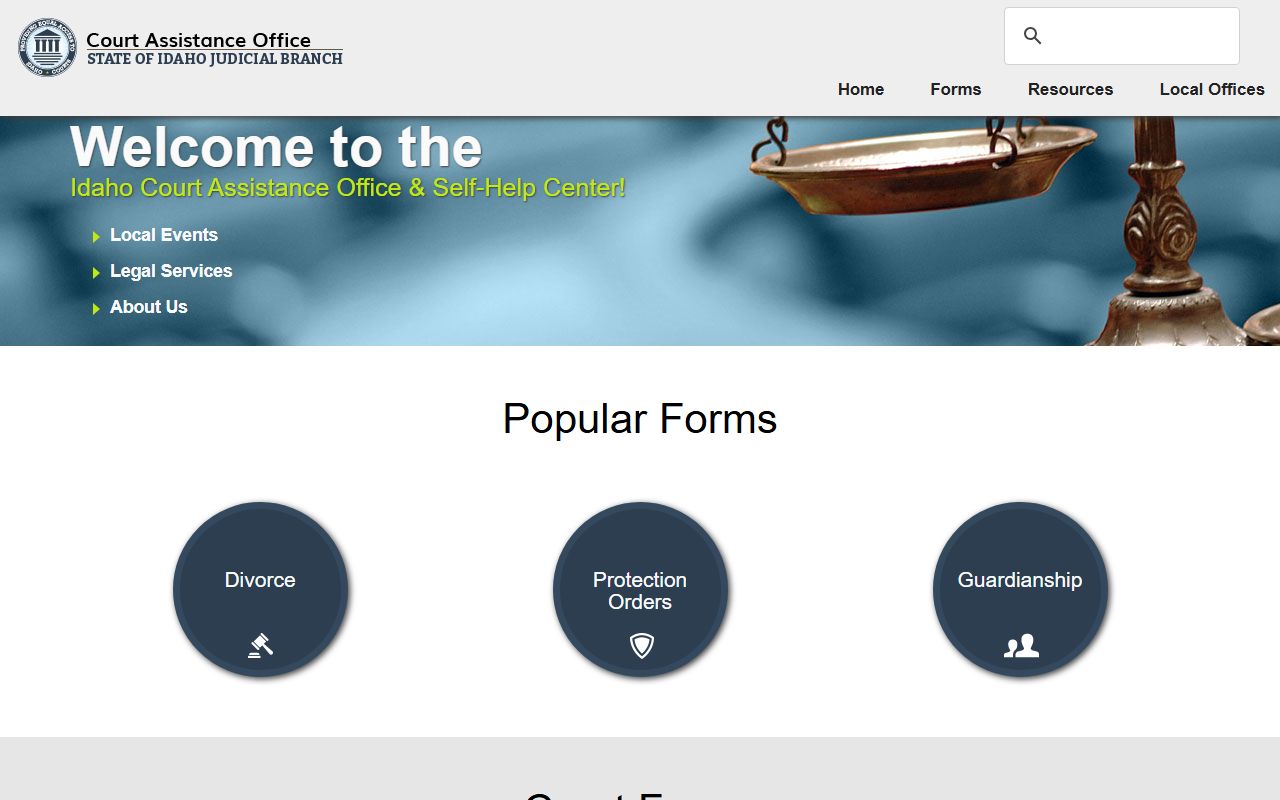
For Power County docket users, the self-help source is a support channel, while iCourt remains the case and hearing lookup channel.
Power County Dockets vs Case Records
A docket is built for tracking, while a case record is built for proof. The docket can show whether a motion was filed, a hearing was continued, a disposition was entered, or a hearing is scheduled. The case record can include the complaint, information, petition, motion, order, judgment, or audio that explains the event.
| Point | Docket | Full Case Record |
|---|---|---|
| Format | Chronological list of events and hearings. | Documents, orders, filings, certified copies, and audio. |
| Best Use | Confirm schedule, status, and case progress. | Review legal content or obtain proof for official use. |
| Access | Often found through iCourt Search Hearings or Smart Search. | May require the clerk, courthouse kiosk, fees, or judge review. |
| Limits | Sealed events and exempt entries may be hidden. | Confidential files may be denied, redacted, or reviewed before release. |
Read Power County Court Dockets
Start with the case number and case type. A Power County criminal docket can begin with arrest-related filings, initial appearance, bail, arraignment, preliminary proceedings, motions, plea, disposition, and sentencing. A civil docket can show complaint, answer, motion, hearing setting, order, judgment, satisfaction, or collection steps. A family docket may be partly public and partly restricted, especially when children or confidential filings are involved.
Some docket words need plain definitions. A disposition is the final outcome of a charge or case. A continuance is a new setting after a hearing is moved. A motion is a written request for court action. A certified copy is a clerk-authenticated copy, not just a printout. A sealed record is hidden from public access by rule, law, or order.
Note: If a docket shows a sealed event, the public may see less than the parties or approved officials can see.
Power County Docket Follow-Up
When a docket points to a hearing but the user needs proof of what happened, the court records request form is the next step. The form allows requests for documents, certified documents, and FTR audio. It asks for case number, case name, case type, specific documents, and hearing dates. That makes the docket search a practical first step before asking the clerk for copies or audio.
Jury-related docket use has a separate local contact path. Power County jury information lists a court and jury phone contact and a reporting line for jurors called to serve. Jury status is not the same as a public docket search, but trial settings, continuances, and reporting instructions can affect how a user reads scheduled court events.